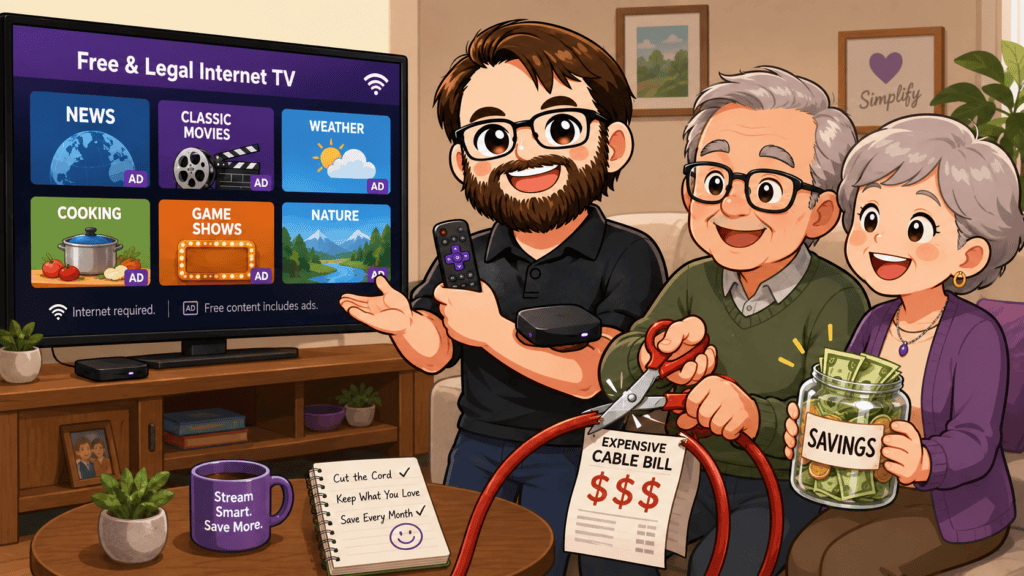
Cable and satellite television can cost well over $100 every month. For older adults living on a fixed income, replacing that bill with a Roku and free streaming services could save hundreds—or even thousands—over time.
A Roku connects to your television and uses your internet connection to stream programs. After purchasing the device, Roku itself does not require a monthly fee. You pay only when you intentionally rent something, make a purchase, or subscribe to a paid service. See Roku’s payment information.
What You Need
- A television with an available HDMI connection
- Reliable home internet and Wi-Fi
- A Roku streaming player and remote
- A free Roku account
- An email address for activation
Roku offers several players. The least expensive model may be enough for an older HD television, while a 4K television should be paired with a compatible 4K model. Compare the current players and prices before purchasing. View Roku streaming players.
Important: Roku activation is free. Do not pay a person or website claiming that an activation fee, setup fee, or special support subscription is required.
What Can You Watch for Free?
The Roku Channel currently advertises more than 500 free live channels, along with movies, television programs, news, sports programming, children’s entertainment, and Roku Originals. Explore The Roku Channel.
Other legitimate free, ad-supported apps are also available through Roku’s Streaming Store. The selection can include:
- Classic television programs
- Older and rotating movies
- National and local news streams
- Weather coverage
- Game shows and reality programs
- Cooking, home, travel, and nature channels
- Children’s programming
- Some sports highlights and live events
- Music and specialty-interest channels
There is an enormous amount to watch, but Roku does not make every show free. The newest movies, popular current series, major cable networks, local stations, and many live sporting events may require a subscription, rental, antenna, or paid live-TV service.
How Much Could You Save?
Suppose your cable bill is $120 per month and you already plan to keep your internet service.
Eliminating cable could potentially save:
- $1,440 per year
- $4,320 over three years
- $7,200 over five years
Subtract the Roku purchase price, any paid subscriptions you keep, antenna costs, and any change to your internet bill.
Call your provider before canceling. Removing television from a bundle could raise the price of your internet service. Compare the complete new internet bill with the complete old bundle—not merely the advertised rate.
Important Caveats
Roku Depends on Internet
Streaming requires working internet, Wi-Fi, and electricity. If your internet or power goes out, free internet television will stop working.
Streaming can also consume a large amount of data. Check whether your internet provider has a monthly data limit or charges extra for heavy use.
Free Programming Usually Includes Commercials
Most free streaming television is supported by advertising. Expect commercial breaks, sometimes repeated advertisements, and promotional content on Roku’s home screen.
Free Selections Change
Movies and shows can appear or disappear as licensing agreements change. A program that is free today might move to a paid service later.
Some Apps and Results Cost Money
Roku mixes free programming with subscriptions, rentals, and purchases. A search result appearing on Roku does not mean it is free.
Netflix, Disney+, Hulu, Max, Apple TV+, and similar services still require their own paid subscriptions unless a temporary promotion says otherwise.
Watch for Free Trials
A free trial may automatically become a paid subscription if it is not canceled before the trial ends. Check the renewal date immediately and set a reminder.
Roku explains how to review subscriptions and turn off automatic renewal. Manage Roku subscriptions.
Protect Against Accidental Purchases
Create a purchase PIN on the Roku account, especially when grandchildren, visitors, or someone unfamiliar with streaming will use the television.
A PIN can help prevent accidental rentals, purchases, and subscriptions. Also review the account’s purchase history and active subscriptions regularly.
Local Channels Are Not Guaranteed
Free streaming may provide local news in some areas, but it does not guarantee your exact local ABC, CBS, NBC, FOX, or PBS station.
An indoor or outdoor antenna may receive local over-the-air broadcasts for free, depending on your location and reception. Connect the antenna to the television’s antenna input—not to a standard Roku stick or player. Roku TVs can combine antenna listings with streaming channels in their Live TV guide. Read Roku’s antenna guidance.
Live Sports Can Be Difficult
Some sports are available free, but many local games, national broadcasts, and complete seasons remain divided among paid services. List the teams and events you consider essential before canceling cable.
The Remote and Menus May Take Practice
Streaming is different from entering a familiar channel number. Help an older family member arrange favorite apps at the top of the home screen, practice using the remote, and write down simple instructions.
A Smart Way to Try It
Do not cancel cable immediately.
First, purchase and set up the Roku. Use it alongside your current television service for one or two weeks. Confirm that you can watch your favorite news, programs, local stations, and sports.
Then calculate the total cost of any subscriptions you still need. If the Roku setup covers enough of your viewing, cancel the expensive television package while keeping the internet service required for streaming.
The Bottom Line
Roku can provide a huge amount of legal, free television after a relatively small equipment purchase. It can be especially valuable for older adults trying to protect a fixed income.
Just remember: Roku is a doorway to both free and paid entertainment. Keep paid subscriptions under control, expect advertisements, protect the account with a PIN, and confirm that your essential programs are available before cutting the cable cord.