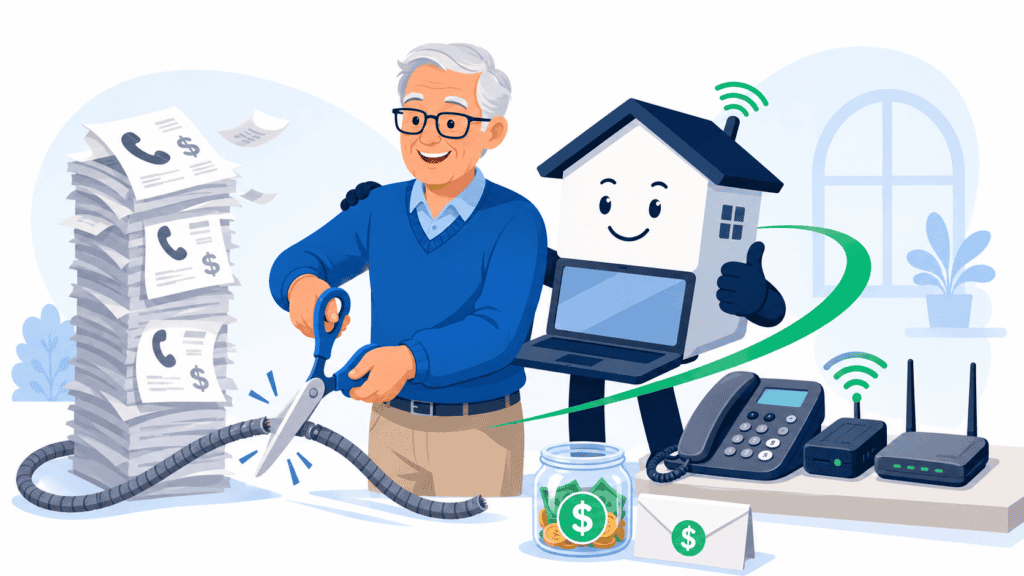
Save Thousands by Switching to Ooma
Are you still paying $40, $50, or even more every month for a traditional home phone? That bill can take a painful bite out of a fixed income.
Ooma lets you use your existing home phone through an internet connection. Its Basic plan has no monthly service charge, although you must purchase the equipment and continue paying applicable taxes and fees—typically around $6–$9 per month, depending on location. See Ooma’s current plan details.
How Much Could You Save?
If your current phone bill is $50 per month and your new taxes and fees are $8 per month, that is a potential savings of:
- $42 per month
- $504 per year
- $2,520 over five years
Subtract the equipment cost, number-transfer fee, optional services, and any changes in taxes or fees. Your actual savings will depend on your current bill and the options you select.
Watch Out for Phone-Company Tactics
Traditional phone companies do not want to lose a longtime customer. When you call to cancel, you may be offered a temporary discount, a new bundle, equipment protection, or extra features that increase again later.
Look beyond the introductory price. Ask:
- What will the total bill be after the promotion ends?
- Are there equipment, activation, or cancellation charges?
- Am I paying for features I never use?
- Does removing phone service change the price of my internet or television package?
Compare the complete yearly cost—not just the advertised monthly price.
Important Caveats
Ooma is not identical to an old-fashioned copper landline.
- Standard Ooma service depends on working high-speed internet.
- Your modem, router, Ooma equipment, and cordless-phone base need electricity.
- During an internet or power outage, the phone may not work unless you have appropriate backup power or a cellular-backup option.
- Call quality depends partly on the quality and reliability of your internet service.
- Taxes and fees still apply and can change.
- Keeping your existing number may involve a one-time transfer fee. Do not cancel your old service until the number transfer is complete.
- Confirm compatibility before using Ooma with a medical-alert system, alarm, fax machine, elevator phone, or other equipment designed for a traditional phone line.
Ooma itself warns that VoIP phones generally will not work during internet or power outages without a backup solution. Read Ooma’s outage guidance.
What You Need to Know About 911
Ooma provides address-based 911 service where available. Emergency responders receive the registered service address associated with your account.
That makes it extremely important to:
- Enter your complete and correct home address during setup.
- Update the registered 911 address immediately if you move or take the equipment to another location.
- Remember that 911 calling may be unavailable when your power or internet is down.
- Keep a charged cellphone available as an emergency backup.
- Consider battery backup for your modem, router, Ooma device, and phone equipment.
The FCC advises that internet-based phone service may stop working during power failures or internet outages. Read the FCC’s VoIP and 911 guidance.
The Bottom Line
For older adults living on a fixed income, replacing an expensive traditional phone plan could keep hundreds of dollars in the household budget every year—and potentially save thousands over time.
Just make the switch with your eyes open: calculate the complete cost, plan for outages, protect your access to 911, and do not let a temporary phone-company discount distract you from the long-term numbers.